OneThree arXiv Template: A Clean LaTeX Template for Research Papers
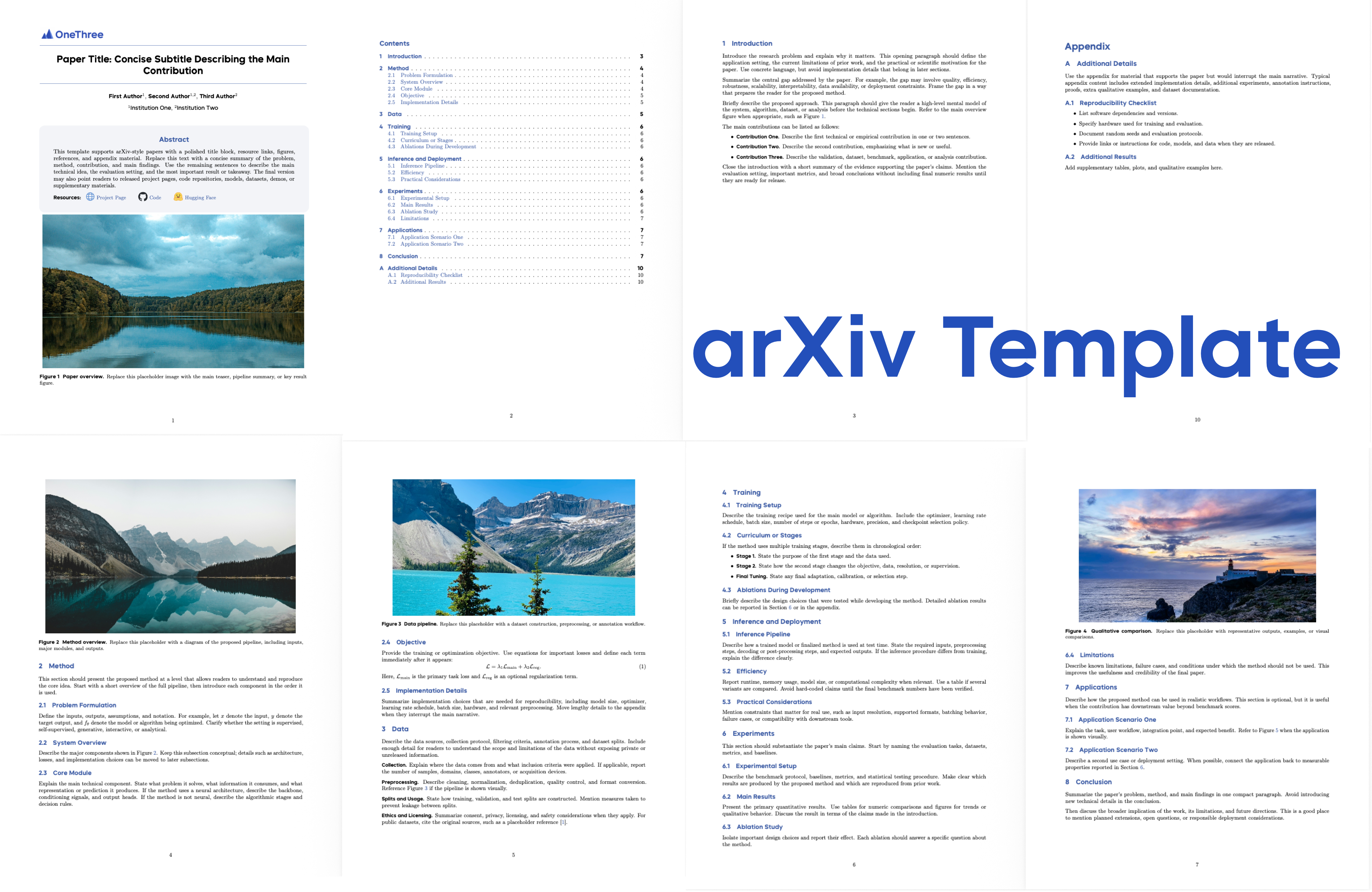
OneThree arXiv Template is a reusable LaTeX template designed for arXiv-style papers, technical reports, project manuscripts, and research drafts. It provides a polished paper layout with a custom title block, author and affiliation formatting, resource links, first-page teaser image, section placeholders, bibliography setup, and appendix support.
The template is intended for researchers, students, and project teams who want to quickly prepare a clear, modern manuscript without rebuilding the LaTeX structure from scratch. It keeps the core writing workflow lightweight: edit paper.tex, replace placeholder images, update section files, and compile.
Why This Template Exists
Research projects often need more than a plain manuscript. A modern preprint or technical report usually includes project links, code links, dataset links, a strong first-page figure, readable section structure, and an appendix that can hold extra experiments or implementation details.
OneThree arXiv Template provides these pieces in a compact, reusable form:
- Paper-ready LaTeX structure for arXiv-style manuscripts and reports;
- Custom document class with title, header, fonts, captions, colors, and abstract styling;
- Author and affiliation formatting for multi-author papers;
- Resource link block for project page, GitHub, Hugging Face, or other assets;
- First-page teaser figure for visual project summaries;
- Section-based editing for easier collaboration and version control;
- Bibliography and appendix support for complete research writeups.
It is intentionally simple: replace the placeholders with your own content, keep the file structure stable, and compile.
Features
Paper Layout
| Feature | Description |
|---|---|
| Custom title block | A polished first-page title area for project-style research papers |
| Author formatting | Supports multiple authors and affiliation indices |
| Affiliation block | Clean institution formatting for academic manuscripts |
| Abstract box | Dedicated abstract area defined through the custom class |
| Resource links | A compact block for project, GitHub, Hugging Face, or other links |
| Header logo | Upper-left logo support through onethree.cls |
Writing Structure
| Feature | Description |
|---|---|
| Section files | Paper sections are split under sections/ for easier editing |
| Teaser image | First-page figure placeholder at pngs/image.png |
| Placeholder figures | Section image placeholders for method, data, training, inference, and experiments |
| Bibliography setup | Uses main.bib with standard BibTeX commands |
| Appendix support | Includes an appendix file for supplementary material |
Build Workflow
| Feature | Description |
|---|---|
| latexmk build | Compiles with a single latexmk command |
| PDF output | Generates paper.pdf |
| Lightweight dependencies | Standard LaTeX workflow, no web build system required |
| Version-control friendly | Content is separated into small .tex files |
Project Structure
arXiv-Template/
├── paper.tex                 # Main entry point
├── onethree.cls              # Custom document class
├── main.bib                  # Bibliography entries
├── sections/
│   ├── introduction.tex
│   ├── modeldesign.tex
│   ├── data.tex
│   ├── modeltraining.tex
│   ├── inference.tex
│   ├── experiments.tex
│   ├── application.tex
│   ├── conclusion.tex
│   └── appendix.tex
├── assets/
│   ├── onethree_logo.jpeg
│   ├── arXiv.jpeg
│   └── ...                   # Fonts, icons, bibliography style, and assets
└── pngs/
    ├── image.png             # First-page teaser image
    ├── image1.png
    ├── image2.png
    ├── image3.png
    └── image4.png
Getting Started
Prerequisites
- A working LaTeX distribution
latexmk
Build the Paper
Compile the manuscript with:
latexmk -pdf -interaction=nonstopmode -halt-on-error paper.texThe generated PDF is:
paper.pdfEditing the Paper
Most project-specific metadata is edited in paper.tex.
Title, Authors, and Affiliations
\title{Paper Title: Concise Subtitle Describing the Main Contribution}

\author[1]{First Author}
\author[1,2]{Second Author}
\author[2]{Third Author}

\affiliation[1]{Institution One}
\affiliation[2]{Institution Two}
Abstract
Update the abstract block in paper.tex:
\abstract{
...
}
Resource Links
The default resource links are placeholders:
| Resource | Placeholder |
|---|---|
| Project | https://choucisan.github.io |
| GitHub | https://github.com/choucisan |
| Hugging Face | https://huggingface.co/choucsan |
Replace them inside the \checkdata[Resources] block in paper.tex.
Images and Figures
The first-page teaser image is:
pngs/image.pngThe default section placeholder images are:
pngs/image1.png
pngs/image2.png
pngs/image3.png
pngs/image4.png
You can replace these files while keeping the same filenames, or update the corresponding \includegraphics paths in paper.tex and the files under sections/.
By default, images are inserted by width:
\includegraphics[width=0.98\linewidth]{pngs/image.png}This preserves the original aspect ratio and keeps figure replacement straightforward.
Customization
Replace the Logo
The upper-left header logo is:
assets/onethree_logo.jpegTo replace it, put your logo in assets/ and update the firststyle header in onethree.cls:
\includegraphics[width=40mm]{assets/your-logo.pdf}Adjust the width if your logo has a different aspect ratio.
Edit Sections
The template includes the following section files:
| File | Purpose |
|---|---|
sections/introduction.tex | Introduction and motivation |
sections/modeldesign.tex | Method or system design |
sections/data.tex | Dataset or data construction |
sections/modeltraining.tex | Training setup |
sections/inference.tex | Inference or deployment details |
sections/experiments.tex | Experiments and evaluation |
sections/application.tex | Applications and use cases |
sections/conclusion.tex | Conclusion |
sections/appendix.tex | Supplementary material |
You can edit, rename, remove, or reorder these files from paper.tex as needed.
Bibliography
Add references to main.bib and cite them with standard BibTeX commands:
\cite{sample_reference}The template uses:
\bibliographystyle{plainnat}
\bibliography{main}
Highlights
- Reusable LaTeX template: Suitable for arXiv papers, technical reports, project manuscripts, and research drafts.
- Polished first page: Includes custom title, author block, abstract styling, resource links, and teaser figure.
- Section-based writing: Keeps long papers easier to edit, review, and maintain.
- Custom class file:
onethree.clscentralizes layout, fonts, colors, captions, title block, headers, and appendix style. - Figure placeholders: Default teaser and section images make it easy to prototype a complete manuscript quickly.
- Bibliography ready:
main.bibandplainnatare already wired into the template. - Open source: Designed as a practical starting point for research teams and individual authors.
Notes
This template intentionally keeps placeholder text and images lightweight. Replace all placeholder content before submission or public release.
LaTeX may emit a fancyhdr headheight warning because the header keeps the original logo and title-page spacing style. The warning does not prevent PDF generation.
Links
- GitHub: github.com/choucisan/arXiv-Template
- arXiv: arxiv.org
- Template reference: ByteDance Seed
Acknowledgments
Template reference: ByteDance Seed.
Images from Unsplash.