Air Minecraft: Drone Flight in a Voxel World
Air Minecraft is an open-source 6-DOF free-flight drone simulator built on the Luanti voxel game engine (formerly Minetest). It reimagines the Minecraft-style block world for aerial robotics research, offering full yaw/pitch/roll control, multi-view cameras, a navigation system, and a foundation for visual reinforcement learning.
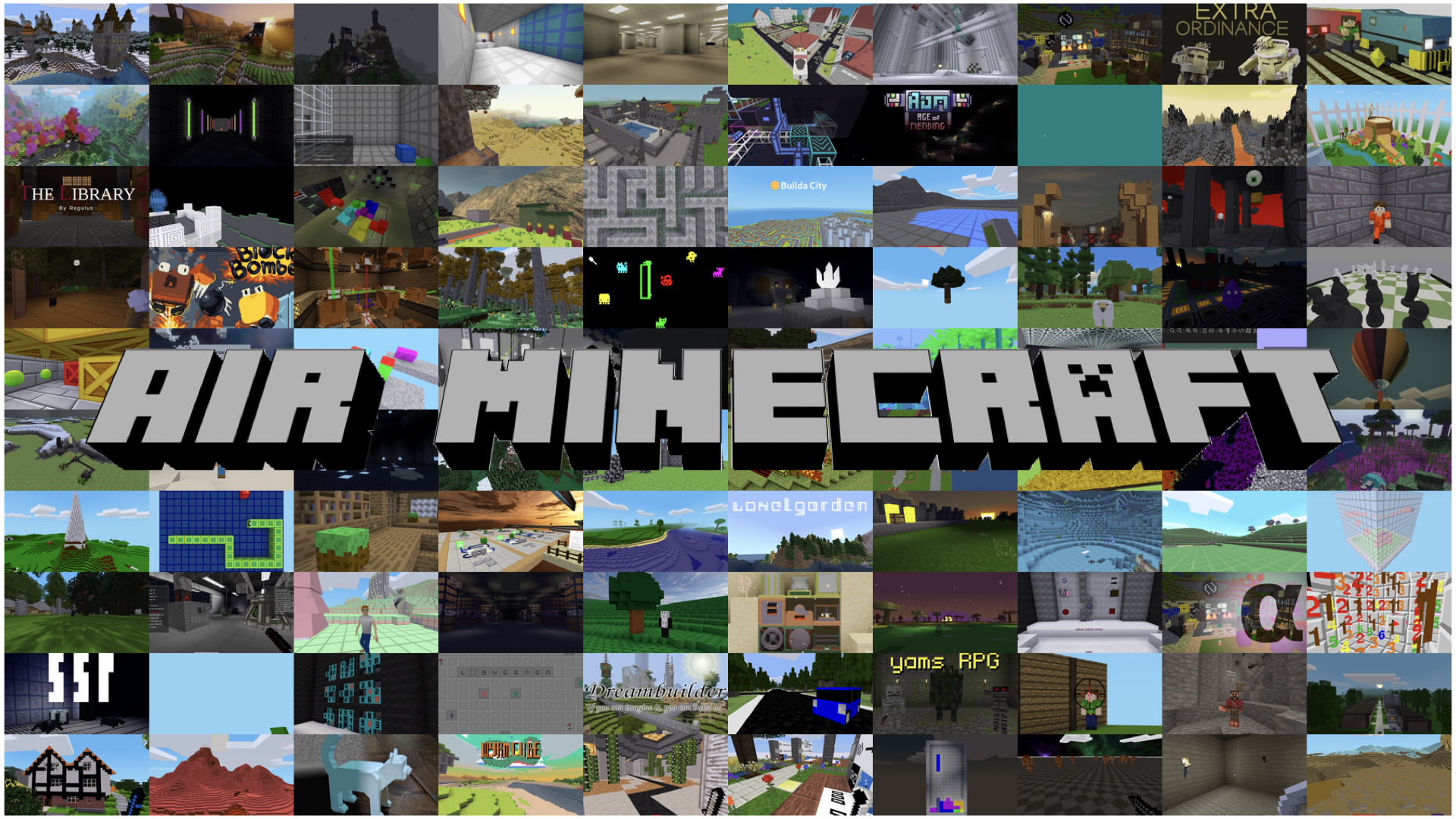
Instead of relying on large-scale pre-built simulation environments like AirSim, Air Minecraft leverages the infinite creative flexibility of a block-based voxel world — users can build, modify, and share any environment, then fly through it with a realistic drone model.
Why Air Minecraft Exists
With the rapid advancement of Spatial Intelligence and Embodied AI, models like World-Action Models (WAM) and Vision-Language-Action (VLA) models are gaining significant traction. In the UAV domain, researchers often rely on AirSim for simulation, but AirSim’s large-scale pre-built environments offer limited creative flexibility and require substantial computational resources.
Minecraft’s block-based world provides a compelling alternative:
- Infinite creative possibilities — users can build, modify, and share any environment;
- Lightweight and accessible — runs efficiently on consumer hardware;
- Rich community content — thousands of pre-built worlds and structures via ContentDB;
- Programmable interactions — Lua scripting and a flexible mod API.
Air Minecraft bridges the Minecraft AI research community and the Luanti ecosystem, bringing more attention and contributions to open-source voxel platforms while providing a practical tool for aerial robotics research.
Features
Drone Mode
A dedicated 6-DOF free-flight drone experience:
| Feature | Description |
|---|---|
| 6-DOF Flight | Full yaw / pitch / roll control with smooth interpolation |
| 5 Camera Views | Front, Back, Left, Right, Bottom — all in first-person |
| First / Third Person | Toggle between immersive first-person and model-visible third-person views |
| 3D Drone Model | Realistic drone OBJ model with texture rendering |
| Navigation System | Set waypoint targets on a minimap; see distance and direction in the HUD |
| Large Map Overlay | Click-to-navigate on an expanded map view |
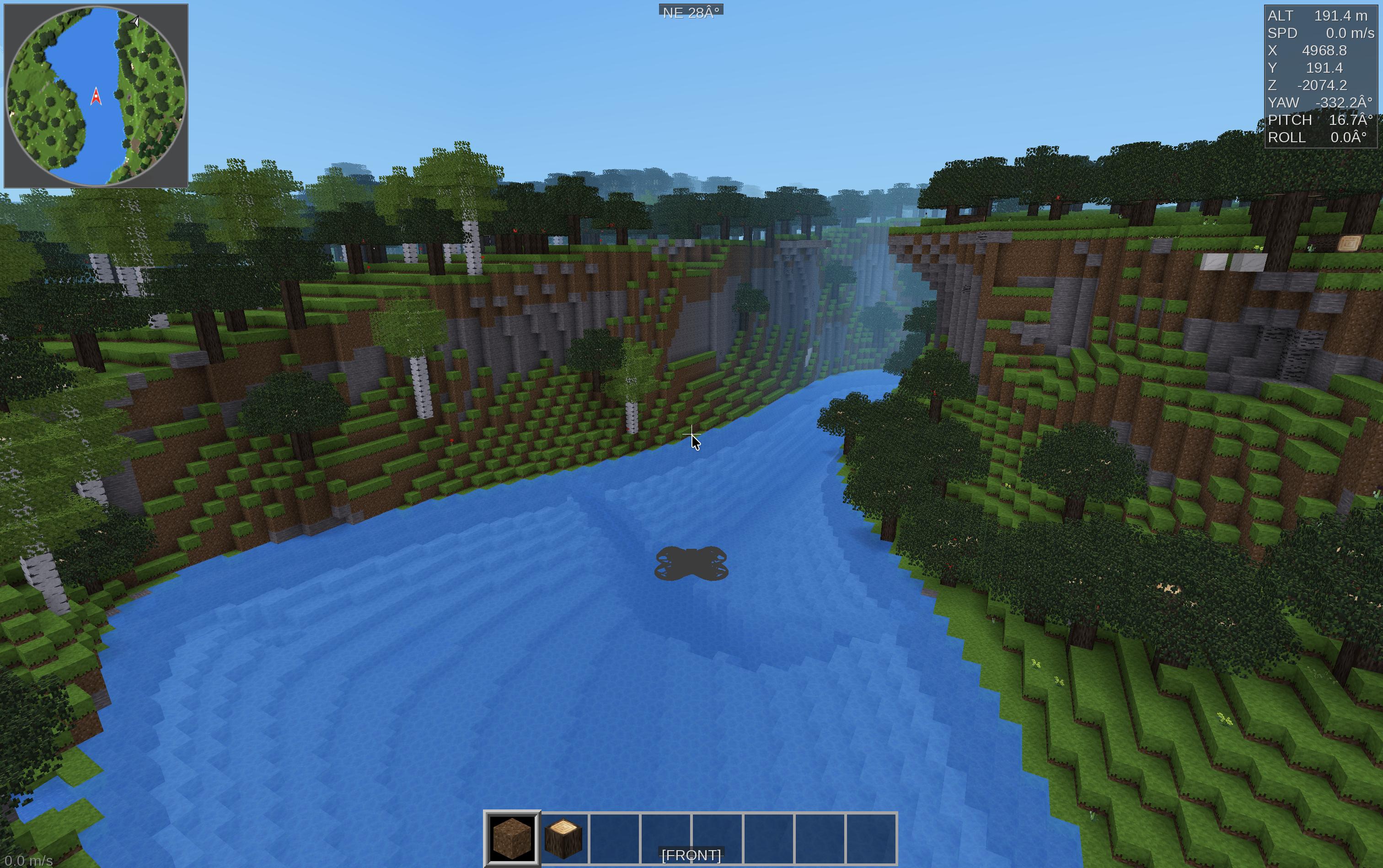
| HUD Panel | Real-time telemetry: altitude, speed, position, yaw/pitch/roll, nav distance |
Normal Mode
The original Luanti gameplay is fully preserved. Players can create, build, mine, craft, and explore worlds using the standard human character model. Worlds and structures created in normal mode can be shared and used as flight environments in drone mode.
ContentDB Integration
Air Minecraft is compatible with ContentDB, giving access to thousands of community-created games, mods, texture packs, and pre-built worlds.
Controls
Drone Mode
| Key | Action |
|---|---|
| W A S D | Move forward / left / backward / right |
| Space | Ascend |
| Shift | Descend |
| Mouse | Look / Yaw & Pitch |
| C | Switch between 5 camera views (Front → Back → Left → Right → Bottom) |
| T | Toggle 1st / 3rd person |
| R / F | Roll left / right |
| H | Toggle HUD panel |
| + / - | Map zoom in / out |
| Esc | Pause menu (set nav target, settings, etc.) |
Normal Mode
| Key | Action |
|---|---|
| W A S D | Move |
| Space | Jump |
| Shift | Sneak |
| Mouse | Look around |
| Left Click | Dig / Punch |
| Right Click | Place / Use |
| I | Inventory |
| C | Cycle camera (1st / 3rd / 3rd-front) |
| Esc | Pause menu |
Project Structure
AirMinecraft/
├── bin/                   # Compiled binary
├── build/                 # Build directory and macOS app bundle
│   └── macos/luanti.app/  # macOS application
├── src/                   # C++ source code
│   ├── client/            # Client-side: rendering, camera, HUD, CAO
│   │   ├── drone_hud.cpp  # Drone HUD overlay (telemetry, minimap, navigation)
│   │   ├── camera.cpp     # Camera modes, drone views, third-person offset
│   │   └── content_cao.cpp # Player model, 6DOF rotation, visual override
│   └── server/            # Server-side logic
├── games/devtest/         # Development Test game with drone mod
│   └── mods/g_drone_model/ # Drone 3D model and 6DOF rotation mod
├── builtin/mainmenu/      # Main menu UI (Lua)
│   └── tab_drone.lua      # Drone Mode tab
├── doc/                   # Documentation
├── script/                # Utility scripts
└── textures/              # Game textures and drone assets
Getting Started
macOS
# Clone the repository
git clone https://github.com/choucisan/AirMinecraft.git
cd AirMinecraft

# Install dependencies via Homebrew
brew install cmake freetype gettext gmp hiredis jpeg-turbo jsoncpp leveldb libogg libpng libvorbis luajit zstd sdl2 curl

# Build
mkdir build && cd build
cmake .. -DCMAKE_BUILD_TYPE=Release
make -j$(sysctl -n hw.ncpu)
The compiled binary will be at bin/luanti. Run with:
./bin/luanti
# Or open the macOS app bundle
open ./build/macos/luanti.app
Docker (All Platforms)
# Build the development image
docker buildx build --target dev -t airminecraft-dev:0 .

# Run with source mounted
docker run -it \
  --mount type=bind,source="$(pwd)",target=/AirMinecraft \
  airminecraft-dev:0
Starting a Drone Flight
- Launch the application
- Select the Drone Mode tab in the main menu
- Select a world from the list (or create a new one)
- Click Start Drone Flight
- You are now in 6-DOF drone mode — press T for third-person view, H for HUD, N for navigation map
Roadmap
Phase 1 (Current)
- 6-DOF free-flight drone mode
- 5 directional cameras + 1st/3rd person toggle
- 3D drone model rendering
- HUD with telemetry, minimap, and navigation
- ContentDB compatibility
Phase 2 — Closed-Loop Training & Evaluation
Visual RL Environment
- GPRO-style visual reinforcement learning interface with first-person camera observations
- Multi-agent drone training with shared and competing objectives
- Configurable observation space (multi-view cameras, depth, telemetry, raycasting)
- Flexible reward function API with compositional task definitions
- Headless accelerated simulation mode for large-scale training
- Integration with modern RL frameworks (Stable-Baselines3, RLlib, etc.)
VLA / WAM Closed-Loop Training & Evaluation
- VLA (Vision-Language-Action) closed-loop training with visual observation, language instruction, and environment feedback
- WAM (World-Action Model) integration for learnable world dynamics and model-based planning
- Standardized benchmark tasks and evaluation metrics (navigation, exploration, object tracking, instruction following)
- Online rollout collection with real-time environment interaction
- Multi-agent coordination and communication scenarios
- Procedural environment generation for diverse training scenarios
- Distributed multi-instance training across GPU clusters
- Pre-trained model zoo and benchmark leaderboard on Hugging Face
Highlights
- 6-DOF free-flight: Full yaw, pitch, and roll control with smooth interpolation for realistic drone behavior
- Multi-view camera system: Five directional cameras plus first/third-person toggle for comprehensive visual observation
- Built-in navigation: Minimap-based waypoint targeting with real-time distance and direction telemetry
- Voxel-world flexibility: Infinite procedurally generated and user-built environments for diverse training scenarios
- Lightweight and accessible: Runs efficiently on consumer hardware, unlike resource-heavy simulation platforms
- Open-source foundation: Built on Luanti (LGPL v2.1+), with full source access and a permissive modding API
- ContentDB ecosystem: Compatible with thousands of community-created games, mods, and worlds
- RL-ready architecture: Designed with a clear path toward visual reinforcement learning and multi-agent training
Links
- GitHub: github.com/choucisan/AirMinecraft
- Luanti Engine: github.com/luanti-org/luanti
- ContentDB: content.luanti.org
License and Contact
Air Minecraft is licensed under the GNU LGPL v2.1 or later, the same license as the Luanti engine it is built upon.
For questions, collaborations, or contributions, contact choucisan@gmail.com.